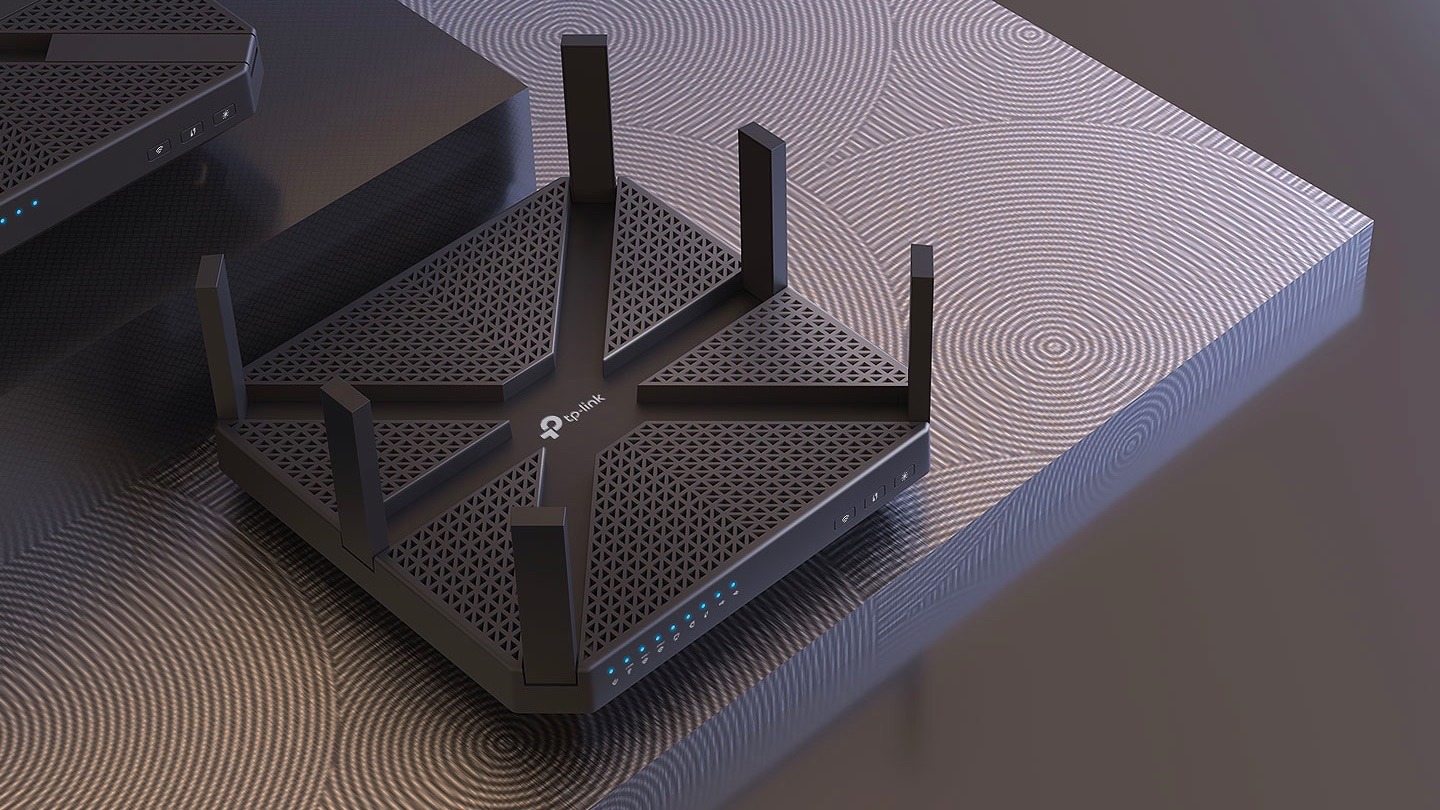
Not all wireless routers are created equal, so choose one based on how you use the internet, how many devices you connect and the size of your home.Larger households with heavy streaming or gaming needs will benefit from more advanced models, while smaller homes with lighter use can save with a budget option. Either way, your Wi-Fi router is your gateway to getting online and turning your provider’s wired internet connection into your wireless home network.Our experts compared the best routers to make narrowing down your choices easier.
Best Wi-Fi routers: Best router overall: Netgear Nighthawk AX8 Best router for gaming: ASUS ROG Rapture GT-AX11000 Best for speeds: NETGEAR Nighthawk RAXE500 Best for budget: TP-Link Archer AX21 Best mesh router: Eero 7 Best Wi-Fi routers compared While your internet service provider decides on what maximum speeds you can achieve and how much data you can use, it’s your wireless router that establishes that much-desired home Wi-Fi connection for your devices.Find a balance between budget and internet needs with these top picks to determine your best router choices. RouterBest forPriceData transfer rate (Mbps)Wi-Fi 6 & higherNumber of antennas NETGEAR Nighthawk AX8Most people$$6,000Eight ASUS ROG Rapture GT-AX11000Gaming$$$11,000 MbpsEight NETGEAR Nighthawk RAXE500Fast speeds$$$$10.8 Gbps Eight TP-Link Archer AX21Budget$1.8 GbpsFour Amazon eero 7Mesh router$$2.3 Gbps(internal) Netgear Nighthawk AX8 Best overall Netgear’s Nighthawk AX8 consistently delivers strong speeds and overall performance, enabling it to cut through walls and floors and deliver gigabit speeds to every corner of the house.Netgear says this model can connect devices up to 90 feet away, but you can expect performance to tail off after about 50 feet.
If you need more range, we recommend a mesh network (more on that below). The AX8 also has advanced malware protection and the latest firmware updates upon installation.This router has 4 out of 5 stars on Amazon with one rave review noting, “After two months, this router is still the best one I’ve ever seen.I’ve got 42 devices attached to it and it doesn’t even cough.” PriceSpeedWi-Fi standardCoverageBands $$6,000 MbpsWi-Fi 62,500 sq.
ft.Dual-band Shop now ASUS ROG Rapture GT-AX11000 Best for gaming The ASUS ROG Rapture GT-AX11000 boasts speeds up to 11,000 Mbps, has four Ethernet ports and can support up to 100 devices.Gaming-specific features include game acceleration to reduce latency, game packet prioritization and an option to dedicate one of its tri-band frequencies to gaming only, giving you more bandwidth for your gaming experience.Although this router is one of the more expensive options, reviewers agree that the cost is worth it for serious gamers. PriceSpeedWi-Fi standardCoverageBands $$$11,000 MbpsWi-Fi 63,500 sq.
ft.Tri-band Shop now NETGEAR Nighthawk RAXE500 Best for fast speeds The NETGEAR Nighthawk RAXE500 Wi-Fi 6E router has tri-band speeds up to 10.8 Gbps and supports Wi-Fi 6E.It also has four Ethernet ports for even faster wired connections and can support 12 simultaneous streams — perfect for the techiest of households. This router’s easy setup process within the Nighthawk app offers parental controls and NETGEAR Armor security.It has 4.4 out of 5 stars on Amazon with customers saying, “Best router I’ve ever owned.” PriceSpeedWi-Fi standardCoverageBands $$$$10,800 MbpsWi-Fi 6E3,500 sq.
ft.Tri-band Shop now TP-Link Archer AX21 Best for your budget The TP-Link Archer AX21 is our budget pick because it’s affordable without sacrificing performance.This budget router is a great choice if you’re looking to upgrade to a Wi-Fi 6 router and just need something simple and affordable. Reviewers give the AX21 router 4.4 out of 5 stars on Amazon from over 15,000 ratings, with consistency and performance being the most frequently noted features.PriceSpeedWi-Fi standardCoverageBands $1,800 MbpsWi-Fi 62,500 sq.
ft.Dual-band Shop now Eero 7 Best mesh router Amazon’s Eero 7 is a great mesh network option for fast, consistent speeds and coverage that make a difference in multistory homes.Available in a two, three or four-piece system, this router provides coverage for homes up to 4,000 sq.ft.
and is known for its easy installation, earning it 4.4 stars on Amazon.The nodes are small with a clean design, so you won’t have trouble finding space for them in your home.You can also easily manage the system through the app, with helpful features like parental controls. PriceSpeedsWi-Fi standardCoverageBands $$2,300 MbpsWi-Fi 74,000 sq.
ft.Dual-band Shop now When should you buy your own router? Most ISP equipment fees run $5-$15/mo., equating to $60–$180 annually.If you purchase equipment equivalent to (or less) than what you would pay in rent for a year — and plan to keep your internet service for longer than one year — then purchasing may save you money. The other reason people purchase their own equipment is for premium performance features beyond what their ISP offers.This approach is common in highly-connected households.
Learn more about renting vs.buying your router How we chose our favorite wireless routers Overall, we narrowed our search down to over 20 of the models according to customer reviews and ratings from testing sites like Consumer Reports.To determine the best value, we compared the price and the following features.
Speed: In most wireless routers, you’ll find both 5 and 2.4 GHz bands.The 5 GHz band can handle more bandwidth, but in a shorter range.The 2.4 GHz band can handle less bandwidth but in a larger range. Just keep in mind that while a wireless router might be able to achieve a certain download speed, your internet service provider ultimately decides on what’s possible.
Antennas: Any wireless router will only be as good as the signal it projects and the antenna is a major part of that.If your desired wireless router doesn’t have any external antennas, think about choosing a model that’s based on a mesh network.Features: Many wireless routers come with additional security features like guest networking, automatic firmware updates and remote management features.
We required all of our routers to have the latest WPA, WPA2 or WPA3 certifications.What about Wi-Fi 6 and Wi-Fi 7? Wi-Fi 6 is an industry certification program based on the 802.11ax standard for wireless networks.It was approved by the Wi-Fi Alliance in February 2021, and it allows for 30% faster speeds, lower latency and higher data capacity.
Many devices are equipped with Wi-Fi 6, like the iPhone 11, 12 and newer Samsung Galaxies.But you’ll need a Wi-Fi 6 router to take advantage of them, and these tend to be on the pricier side. Wi-Fi 7 is the next wireless generation, offering speed, latency and bandwidth benefits.Whether you need Wi-Fi 7 depends on the intensity of your household’s online activities.
If having cutting-edge tech is important to you, then a Wi-Fi 7 router is worth it.However, the benefits of a Wi-Fi 7 router may be limited by your internet plan’s speed, so consider your plan’s capabilities. You may need a faster internet plan While a new router can significantly increase your internet speed, it can only work with the connection your ISP is giving you.In many cases, the quickest way to a speed boost is to upgrade your internet plan.
Not sure if you’re getting what you’re paying for? Take a speed test to find out.If the speed that comes up is significantly slower than your plan advertises, a wireless router could give you a lift.For more steps you can take, we recommend checking out the following guides: Easy tips to boost your Wi-Fi signal and get more out of your internet connection Wi-Fi boosters, Wi-Fi extenders and Wi-Fi repeaters explained Problems with Wi-Fi at home? Here’s how a mesh network could be your solution Wi-Fi router FAQs Do I need a modem and a router? If you want to connect to the internet and use it on all of your devices, then yes you need a modem and router or a gateway device. Does my router affect my internet speed? Yes.
Your router can affect your internet speed if it is out of date or not able to handle your internet connection speeds.You need a router that has the capacity to support the speed you have with your internet plan.If you have a 1 Gbps plan, but your router can only handle 500 Mbps, then you won’t be getting the speeds you pay for.
Are certain routers meant for certain online activities? Yes, you can find routers that are meant for particular activities.Gaming routers are quite common and often include unique features meant to enhance a user’s gaming experience, for example. Is buying a router worth it? A router is necessary if you intend to access the internet wirelessly on your devices, so it is definitely worth it. What to read next Read more Featured Is it better to use a gateway or a separate modem and router? Robin Layton — 2 min read Featured Where is the best place for your Wi-Fi router? Camryn Smith — 4 min read Featured Should you rent or buy your modem and router? Camryn Smith — 4 min read Latest Wednesday, March 4, 2026 The best Wi-Fi routers of 2026 Lisa Iscrupe — 5 min read Wednesday, March 4, 2026 What are the hidden costs on a Cox bill? Robin Layton — 2 min read Wednesday, March 4, 2026 Do you need a mesh network for faster Wi-Fi? Lisa Iscrupe — 2 min read
Read More